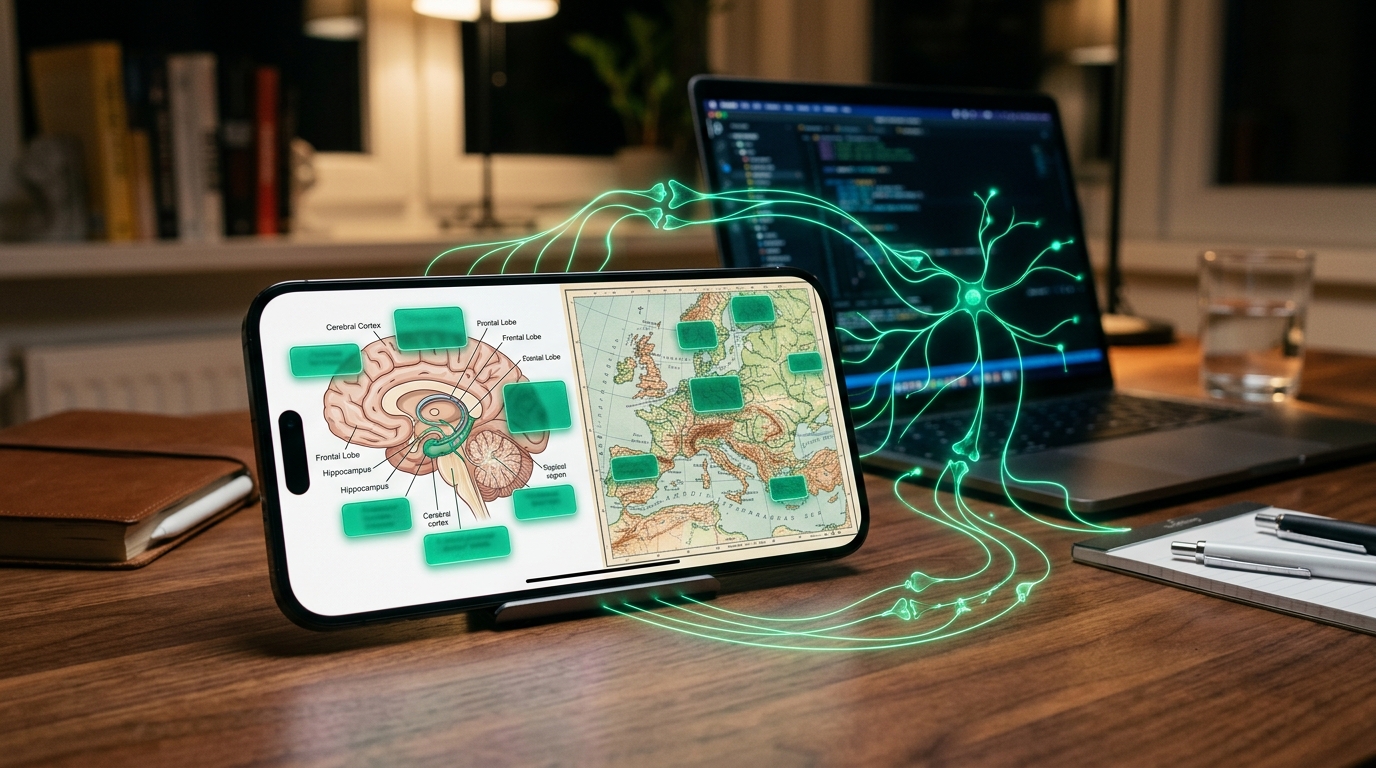
"I cannot remember the names of muscles and organs in anatomy diagrams..."
"Text-only flashcards are completely useless for historical maps, legal relationship charts, and chemical molecular structures..."
Hello! I am Taku, a high school teacher and software developer behind PathMemoria. In cognitive psychology, it is well established that the human brain processes visual imagery and spatial layout drastically faster and more permanently than raw textual data. This fundamental cognitive architecture is known as Dual Coding Theory.
Among top medical students and high-stakes certification candidates worldwide, the gold standard memorization protocol is Image Occlusion (visual masking recall)—the technique of capturing diagrams and masking key labels to create active retrieval questions in seconds. In this guide, I explore the neuroscience behind visual occlusion, address the steep learning curves of legacy desktop add-ons, and provide an actionable protocol to create smartphone-ready image flashcards powered by the next-generation FSRS v6 spaced repetition algorithm.
✓ Key Takeaways in This Guide
- Why visual memory processes diagrams 60,000 times faster than text (Dual Coding Theory)
- The 3 critical flaws of traditional analog red sheets and green highlighter markers
- How top medical students utilize Image Occlusion to master complex anatomy diagrams
- 1-second smartphone camera capture and touch masking with automated FSRS v6 scheduling
| Memorization Approach | Traditional Analog Red Sheet | Digital Image Occlusion (PathMemoria) |
|---|---|---|
| Textbook & Material Preservation | Permanently stained with green ink markers | 100% clean digital capture (Books remain pristine) |
| Portability & Mobile Study | Carrying heavy physical books and plastic sheets | Hundreds of diagrams in your smartphone pocket |
| Card Creation Workflow | Manual drawing and highlighting by hand | Take a photo and drag boxes on touchscreen in 5s |
| Automated Forgetting Curve Sync | None (Manual calendar tracking required) | FSRS v6 tracks memory stability for every individual mask |
Why Text-Only Flashcards Fail for Complex Visuals: The Science of Image Occlusion
When preparing for competitive exams or professional certifications, attempting to memorize spatial layouts, workflows, or structural relationships with plain text prompts disconnects knowledge from its conceptual context.
60,000x Processing Speed: The Power of Dual Coding Theory
Cognitive neuroscience shows that the human brain processes visual scenes in as little as 13 milliseconds—thousands of times faster than sequential text scanning.
Pioneered by cognitive psychologist Dr. Allan Paivio (American Psychological Association), Dual Coding Theory states that memory consists of two distinct yet interconnected systems: verbal representations (words, grammar) and non-verbal representations (images, spatial diagrams).
When you test yourself on an anatomical diagram, your brain encodes both the lexical term and its precise physical position. This multi-modal anchoring ensures lightning-fast retrieval during high-stakes exams. To explore fundamental active retrieval mechanisms, review our Active Recall Study Method Guide.
Trying to explain a complex heart valve structure or historical trade route in a sentence is inefficient. Take a picture, mask the key labels, and test yourself visually. Your recall speed will double instantly.
The 3 Critical Flaws of Analog Red Sheets and Highlighter Pens

For decades, students have relied on drawing thick green markers across textbook lines and covering pages with red plastic sheets. However, this analog technique carries three fatal flaws in modern education:
- Permanent Book Damage: Highlighting permanently ruins valuable reference textbooks and exam prep manuals.
- Lack of Portability: Carrying 500-page textbooks and plastic sheets on crowded morning trains is awkward and physically exhausting.
- The Forgetting Curve Abyss: Paper sheets provide zero automated tracking. Without spaced intervals, concepts forgotten yesterday remain unreviewed until test morning.
To master the mathematical dynamics of memory decay, read our comprehensive guide on Optimal Review Timing from the Forgetting Curve.
How Medical Students Master Anatomy with Image Occlusion
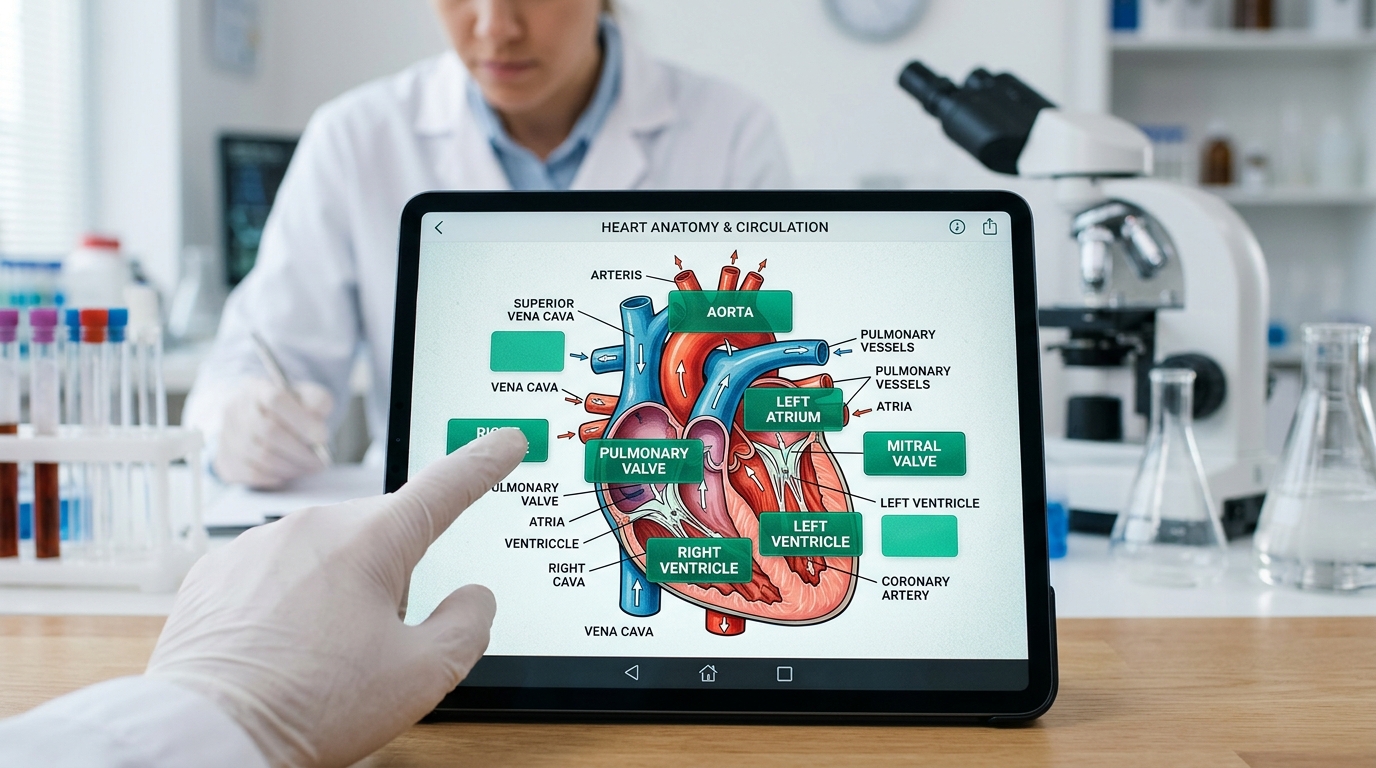
To overcome these limitations, medical faculties across top institutions (Harvard Medical, Johns Hopkins, Oxford) established Image Occlusion as their primary study protocol.
By placing rectangular digital masks over anatomical structures, histological cross-sections, and pharmaceutical pathways, students turn a single visual graphic into dozens of interactive quiz items.
Tapping a mask reveals the underlying answer instantly, delivering pure active retrieval practice without typing a single word.
Why Desktop Anki Image Add-ons Cause Study Burnout

While Anki's Image Occlusion Enhanced plugin popularized this concept, it creates massive technical hurdles for everyday learners.
As detailed in our Anki Settings Troubleshooting Guide, Anki requires installing a desktop program, configuring add-on codes, adjusting note type fields, and manually synchronizing via desktop mice.
When you want to snap a photo of a textbook in a library and start studying immediately on your phone, desktop-dependent workflows waste hours of precious study time.
High-Yield Subjects for Image Occlusion (Law, History, STEM & Medicine)
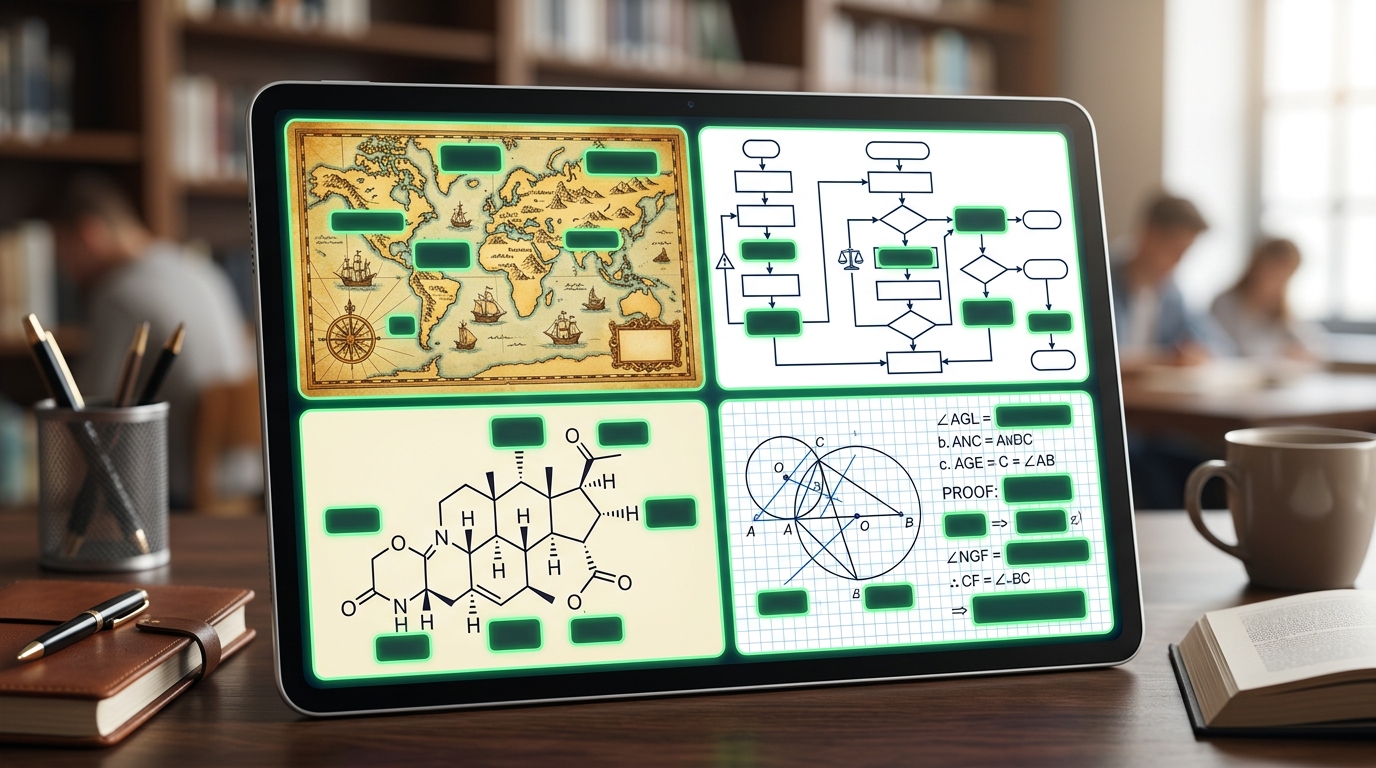
Image Occlusion is not limited to medicine. It produces explosive learning gains across all academic and professional disciplines:
- Law & Bar Exams: Masking party names (Creditor, Debtor, Third Party) and arrows in complex property transfer charts.
- Geography & History: Masking battle locations on historical maps, chronological timelines, and statistical trade graphs.
- Chemistry & Biology: Masking functional groups in benzene rings, cellular organelles, and enzyme catalytic cycles.
- Mathematics & Physics: Masking geometric proof steps, circuit diagrams, and coordinate vector components.
Pair your Image Occlusion decks with text-based vocabulary lists created via our Free Excel Flashcard Templates in the same study folder for total exam readiness.
Step-by-Step: 1-Second Touch Masking on PathMemoria
PathMemoria was engineered to bring the power of Image Occlusion to mobile devices with zero setup friction and automated cognitive scheduling.
Snap with Smartphone Camera & Touch Drag to Mask in Seconds
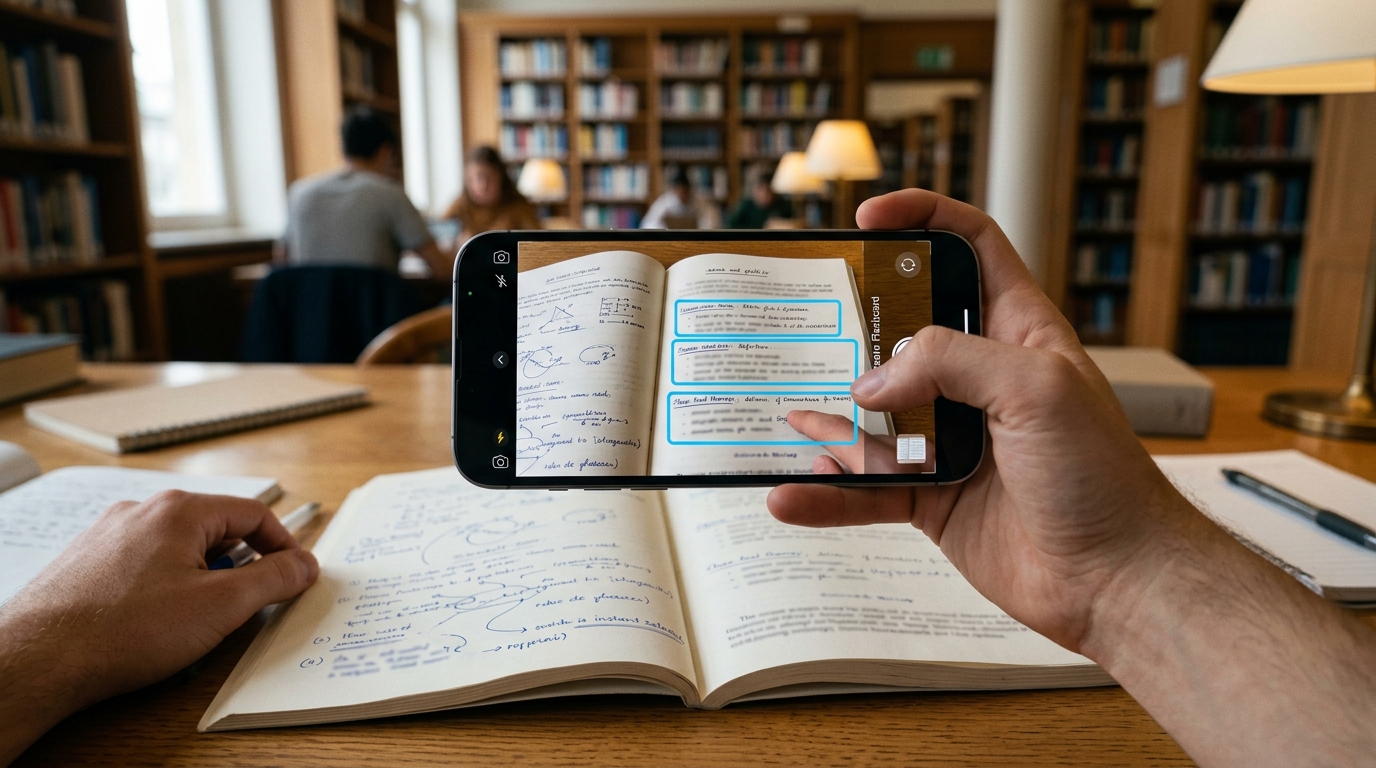
Creating Image Occlusion flashcards in PathMemoria requires just three simple steps:
- Capture or Select: Tap Create Card and take a crisp photo of your textbook, lecture slide, or print handout.
- Drag to Mask: Use your fingertip (or mouse) to draw bounding boxes over the key labels and formulas you want to memorize.
- Save & Test: Tap Save. Each masked box is instantly indexed as an independent active recall test card.
No desktop computer, Python scripts, or complicated add-ons required. Study anywhere, anytime.
Mastery Modes: 'Hide One, Reveal One' vs. 'Hide All, Reveal One'

PathMemoria supports two versatile testing strategies tailored to your mastery phase:
- Hide One, Reveal One: Only the target box is covered, keeping surrounding labels visible. Perfect for early-stage learning where context provides helpful retrieval scaffolds.
- Hide All, Reveal One: All labels on the diagram are obscured simultaneously, with only the active question box highlighted. This prevents peripheral clues from giving away the answer, forging indestructible exam-ready recall.
Beyond Basic Red Sheets: Fully Synchronized with FSRS v6 Algorithm
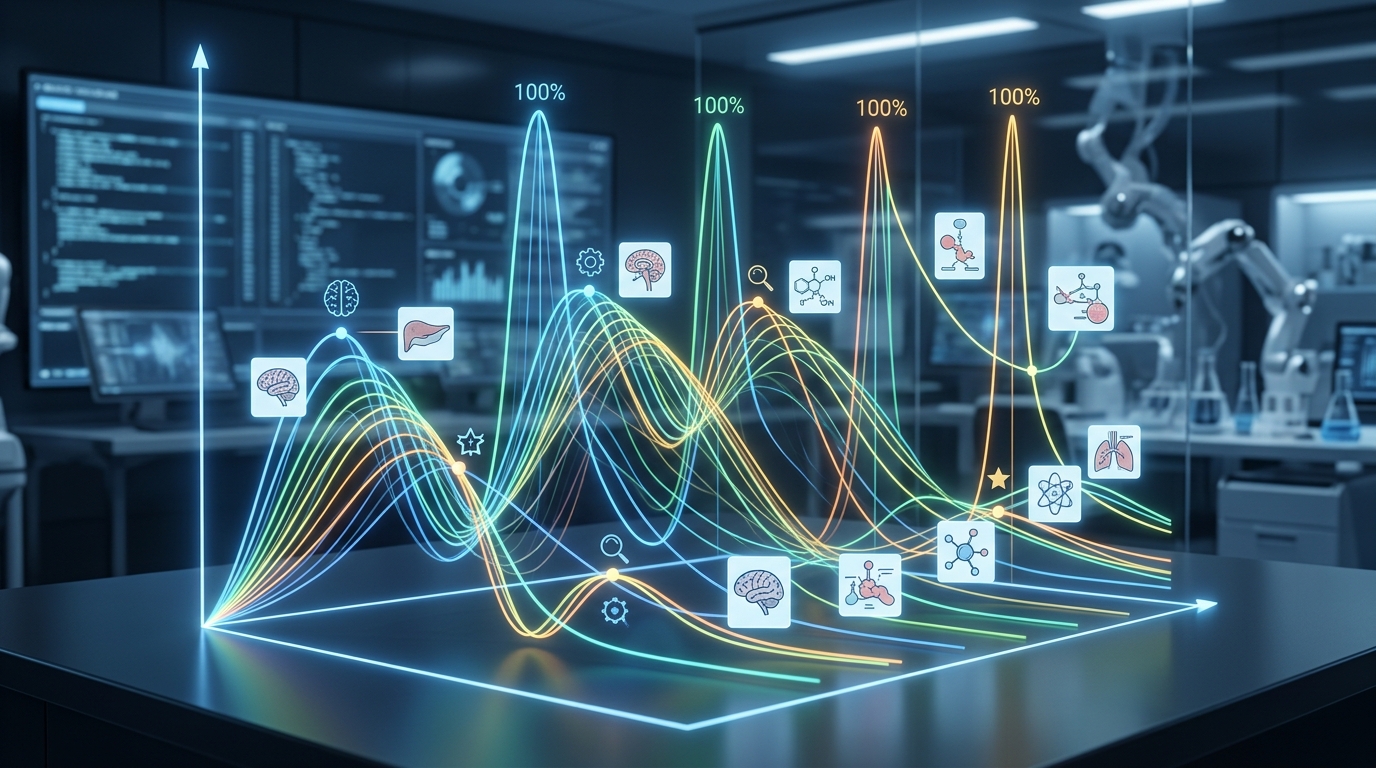
Unlike basic image viewer apps, PathMemoria integrates the world's most advanced spaced repetition algorithm: FSRS v6.
Even if an image has 10 masks, the algorithm calculates memory stability and retrievability independently for every single box.
Boxes you recall easily are scheduled weeks in the future, while challenging labels reappear tomorrow. You eliminate over-studying easy parts and achieve 90%+ exam retention with 30% fewer daily reviews.
Seamless Cross-Device Synchronization (Mac, Windows, iPad, iPhone, Android)
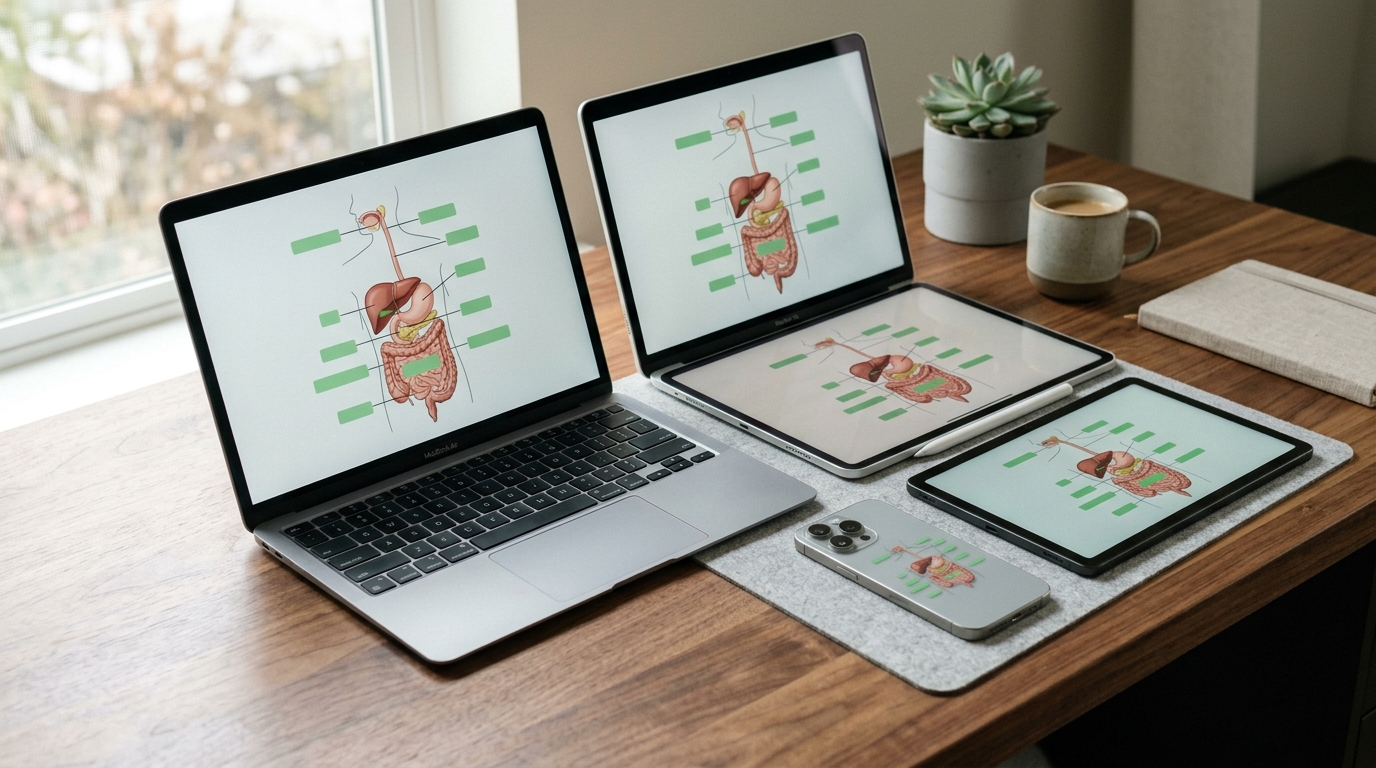
PathMemoria leverages modern Progressive Web App (PWA) cloud architecture.
Design detailed occlusion masks on your large-screen iPad or desktop monitor at home, and your mobile smartphone updates instantly via real-time cloud sync.
Take 10-second active recall quizzes during elevator rides, coffee breaks, or walking commutes without ever losing progress.
3 Pro-Tips to Triple Your Image Occlusion Study Velocity

Follow these three evidence-based rules to maximize your Image Occlusion efficiency:
- Cap Masks at 5–8 per Image: Avoid cramming 30 boxes onto one page. Crop large graphics into focused sub-sections to maintain swift study rhythm.
- Keep Main Section Titles Visible: Leave the overarching header visible so your brain immediately sets the proper conceptual retrieval cue.
- Attach Gemini AI Explanations in Notes: Add brief AI-generated causal explanations to the card notes to transform rote visual recognition into profound conceptual comprehension.
Stop struggling with messy paper highlighters or complicated desktop software. Transform your textbooks into interactive visual flashcards and experience effortless mastery on PathMemoria today!


![[2026 Guide] Overcoming Anki Fatigue: How to Eliminate Complex Settings & Add-Ons with Next-Gen Spaced Repetition](https://pathmemoria.tsmichi.com/blog/anki_migration_hero.jpg)