![[2026 Guide] Ultimate Custom Excel Flashcard Template & Formula Guide for PathMemoria](https://pathmemoria.tsmichi.com/blog/vocab_custom_template_hero.jpg)
"I want to create my own tailored flashcards, but typing cards one by one on a smartphone app takes forever..."
"Is there a fast way to build vocabulary lists in Excel or Google Sheets and study them seamlessly on my phone?"
Hello! I am Taku, a high school teacher and software developer behind PathMemoria. In my academic advising with hundreds of exam candidates, I constantly hear the same frustration: "I spent my entire weekend typing flashcards card-by-card on my phone, leaving zero energy for actual study."
The solution is simple: Creating bulk study decks in Excel or Google Sheets on a desktop computer and importing them into your mobile app via CSV in 1 second is the fastest, smartest study workflow in modern education.
Using a full-size computer keyboard with copy-paste shortcuts allows you to build multi-hundred-card decks over 10 times faster than manual touchscreen typing. Furthermore, in 2026, PathMemoria takes this a step further: drag-and-drop CSV spreadsheets into the app, and Google's latest Gemini AI automatically enriches your cards with context-rich example sentences and etymology explanations, while FSRS v6 spaced repetition automates your review calendar. In this guide, I share free copy-paste templates across major subjects and provide a complete tutorial for 1-second bulk importing.
✓ Key Takeaways in This Guide
- Why building flashcards in Excel or Sheets is 10x faster than app typing
- The universal "Golden 3-Column Format" suitable for language, law, and STEM exams
- Free copy-paste spreadsheet templates ready for immediate download
- 1-second UTF-8 CSV drag-and-drop import with automated AI explanations and FSRS scheduling
| Deck Creation Method | Manual App Typing (One-by-One) | Excel / Sheets × CSV Import (PathMemoria) |
|---|---|---|
| Time to Enter 100 Cards | 60–90 minutes (Severe finger & thumb fatigue) | 5–10 minutes (Rapid typing & bulk copy-paste) |
| Editing & Reorganizing | Open and tap each card individually | Instant batch find-and-replace in spreadsheet rows |
| AI Context & Examples | None (Manual dictionary lookup required) | Gemini AI generates explanations with one tap |
| Mobile Study Flow | Basic sequential flipping | Automated FSRS v6 scheduling × Hands-free TTS audio |
Why Spreadsheet Creation is the Ultimate Flashcard Hack
When creating custom study decks, the golden rule is simple: minimize the time spent building cards so you can invest your maximum cognitive energy into Active Recall testing.
Are You Exhausted by Mobile App One-by-One Typing?

Most traditional flashcard apps force users into a tedious cycle: "Tap Add Card ➔ Type Front ➔ Type Back ➔ Tap Save."
Entering hundreds of vocabulary items or complex legal terms this way is physically exhausting and mentally draining.
According to cognitive research published by the American Psychological Association (APA Cognitive Studies), clerical data entry produces virtually zero long-term retention. Do not fall into the "illusion of competence" by confusing card creation with actual learning.
High-scoring students invest 5 minutes into card setup and 50 minutes into active recall testing. Struggling students spend 50 minutes designing notes and only 5 minutes testing. Use Excel to bring card creation time down to zero.
Keyboard Speed: 10x Faster Data Entry with Desktop Shortcuts

The primary advantage of desktop spreadsheets is pure velocity.
You can copy vocabulary tables from online glossaries, lecture slides, or past exam PDFs and paste entire datasets directly into spreadsheet columns in seconds.
Using standard keyboard shortcuts—Tab to switch columns, Enter to jump to the next line, and Ctrl+V to paste—accelerates deck preparation to lightspeed compared to mobile touchscreens.
The Universal 3-Column Format for Any Subject

The secret to effortless spreadsheet deck management is the Golden 3-Column Structure:
- Column A (Question / Prompt): The front of the flashcard—foreign word, legal statute clause, or anatomy diagram term.
- Column B (Answer / Meaning): The back of the flashcard—definition, translation, diagnostic criteria, or correct formula.
- Column C (Explanation / Example): Contextual notes, mnemonics, example sentences, or common pitfalls.
This simple layout effortlessly adapts to foreign languages (GRE, SAT, IELTS, TOEFL), law exams, medical terminology, and accounting principles. Explore our Science-Backed Memorization Methods Guide for holistic framework designs.
Seamless Cloud Collaboration with Google Sheets

In addition to Microsoft Excel, free Google Sheets provides outstanding cloud flexibility.
By saving your decks in Google Drive, you can do heavy bulk imports on your desktop, and quickly append new vocabulary terms on the go via the mobile Google Sheets app. Your study material remains synchronized across every device you own.
Zero Macros Required: Save as Clean UTF-8 CSV in Seconds

You never need complex programming or Excel VBA macros to build digital flashcards.
All you need to do is click File ➔ Save As ➔ CSV UTF-8 (Comma delimited) (.csv).
The CSV format is the universal standard recognized by databases worldwide. It ensures your hard-earned study materials belong entirely to you, independent of proprietary software barriers.
Step-by-Step: 1-Second Import into PathMemoria & AI Supercharging
Here is how to take your custom spreadsheet, import it into PathMemoria, and let cognitive AI automate your learning journey.
Free Subject-Specific Excel & CSV Templates (Copy-Paste Ready)

Copy the text below and paste it into cell A1 of a new spreadsheet to start instantly:
Question,Answer,Explanation
meticulous,Extremely careful and precise,From Latin metus (fear). Showing great attention to detail.
alleviate,To make pain or difficulty less severe,From Latin levis (light). To lighten burdens.
resilient,Able to recover quickly from difficulties,From Latin resilire (to leap back). Elastic bounce-back.
Keep the first header row intact, replace rows 2 and below with your own concepts, and save as CSV.
3 Checks to Prevent Character Encoding Errorss

Before importing your CSV file, confirm these three quick points:
- Select CSV UTF-8: Always select UTF-8 encoding in Excel to support international characters and accents perfectly.
- Trim Blank Bottom Rows: Delete empty trailing rows at the bottom of your sheet.
- When using Google Sheets: Click File ➔ Download ➔ Comma Separated Values (.csv) for instant automatic UTF-8 formatting.
If you are unsure about Excel's local encoding settings, downloading via Google Sheets ensures clean UTF-8 formatting every single time with zero font corruption.
Drag & Drop into PathMemoria: 1,000 Cards Ready in 1 Second
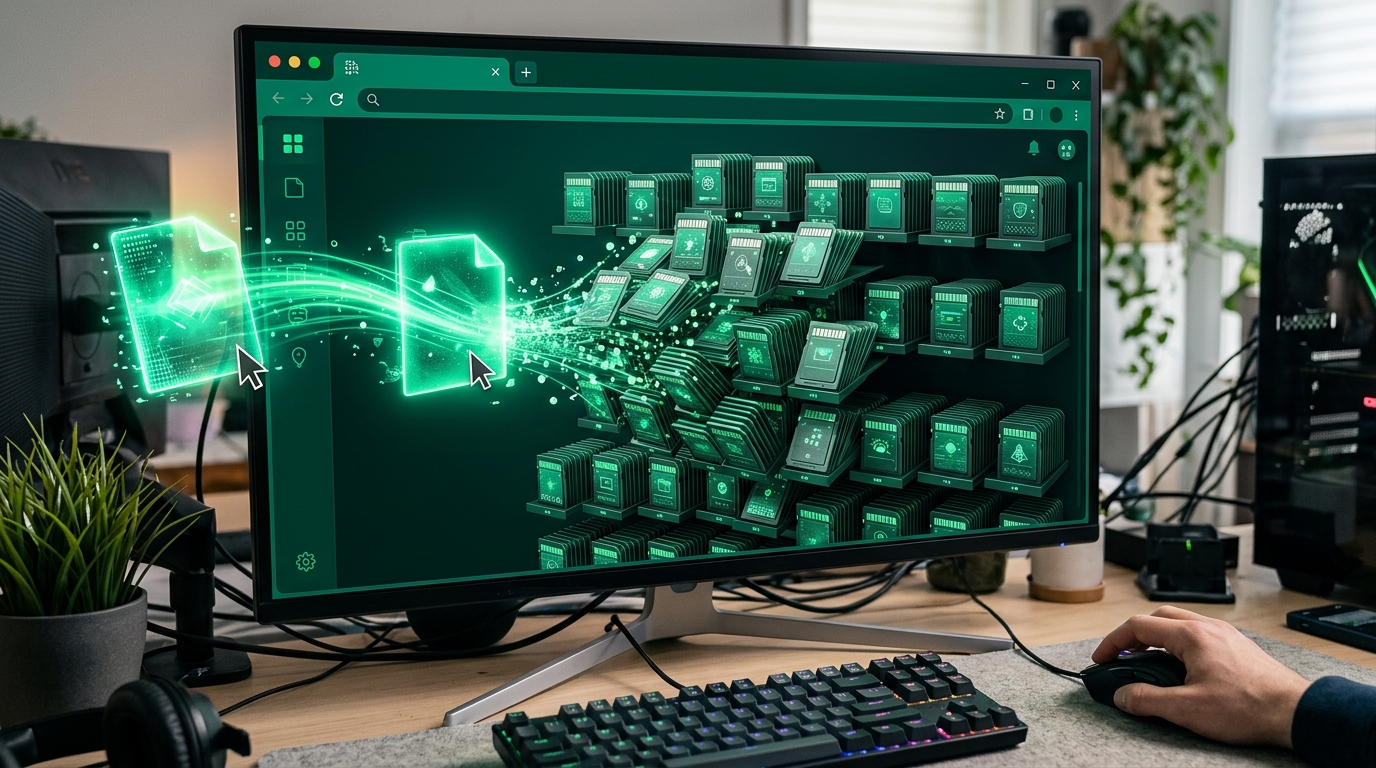
Importing your CSV file into PathMemoria takes literally one second.
Drag and drop your CSV file into the deck import box. Even massive decks with 1,000+ cards are processed in 1 second and synchronized across your phone, tablet, and PC immediately. Review detailed screenshots in our Excel & CSV Import Tutorial.
Let Google Gemini AI Auto-Generate Etymology & Example Sentences

If you only have time to input basic words and short definitions in your spreadsheet, let artificial intelligence do the rest.
With PathMemoria's integrated Google Gemini AI, you can generate vivid example sentences, historical root breakdowns, and conceptual memory mnemonics across your entire deck in batch mode.
No more flipping through heavy paper dictionaries. Your custom cards become masterclass study resources instantly. See our AI Generation Tutorial for detailed walkthroughs.
Master Your Custom Decks with FSRS Spaced Repetition & Audio TTS

Once imported, your custom decks are scheduled by the state-of-the-art FSRS v6 cognitive algorithm.
Backed by landmark cognitive research (Karpicke & Roediger, 2008), the algorithm prompts your active retrieval right before memory stability decays, locking knowledge into permanent synaptic networks.
Combine this with Hands-Free Voice Autoplay (Audio Study) on your mobile device, and you can review your custom decks while walking or driving without touching your screen.
Stop wasting hours on manual data entry. Download the free template, build your custom deck in Excel, and experience effortless mastery on PathMemoria today!


![[2026 Guide] The Blurting Method: Skyrocket Memory Retention with Active Recall & AI](https://pathmemoria.tsmichi.com/blog/blurting_hero.jpg)