![[Complete Guide] How to Use Hands-Free Voice Autoplay & Background Audio Memorization](https://pathmemoria.tsmichi.com/blog/blog_usage_voice_hero.jpg)
Hello! I'm Taku.
Are you struggling to find study time due to a busy work schedule or school sports? Is your daily commute train too crowded to pull out your phone? Or do you want a safe, hands-free way to review flashcards while walking without looking at a screen?
For busy modern learners, the single most critical factor for exam success is converting daily gap time into active study hours. However, simply listening to passive language CDs or audio files like background music fails to trigger long-term neural recall.
In this guide, we explore PathMemoria's powerful Voice Autoplay and Background Audio Playback features, showing you step-by-step how to automate memorization while keeping your phone locked in your pocket.
- •How to configure Hands-Free Voice Autoplay to review cards automatically without touch input.
- •How to enable background audio playback while keeping your phone locked in your pocket.
- •How to leverage customizable audio pause intervals between prompts for mental Active Recall.
- •How to combine FSRS v6 spaced repetition AI with high-quality Text-to-Speech audio.
1. Memorize 1,000 Terms Without Sitting at a Desk: Basic Setup
PathMemoria's Voice Autoplay is not a simple audio player. It is a next-generation automated study engine integrating modern Text-to-Speech (TTS) with FSRS v6 memory algorithms.
Enable the "Voice Autoplay" Toggle Switch
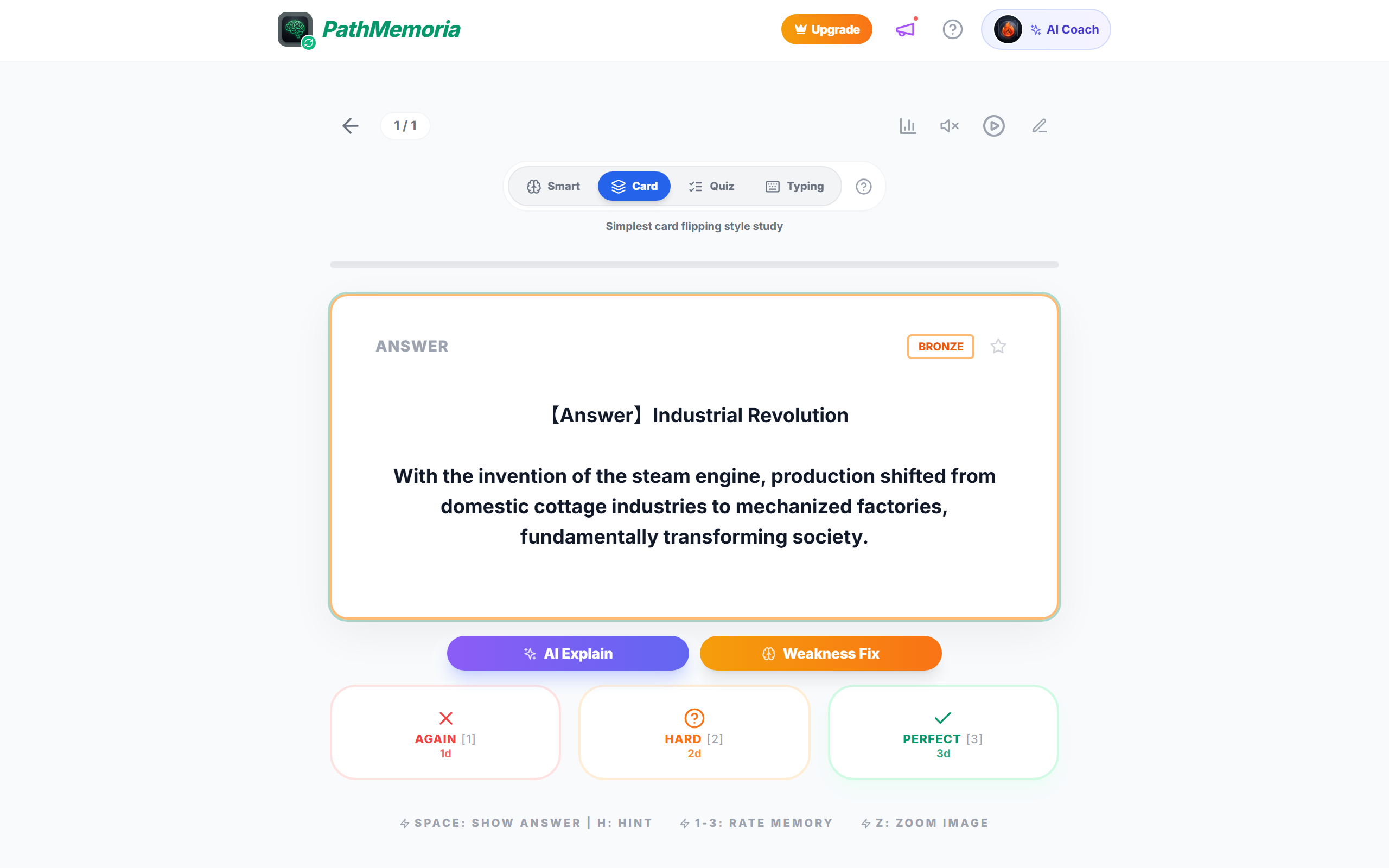
Open any deck in PathMemoria and tap the speaker icon (Voice Autoplay) at the top right of the study screen. Once enabled, cards flip automatically while questions and answers are read aloud by high-quality AI voices at a steady tempo.
Because no screen taps or swipes are required, you can review cards effortlessly while holding a subway strap, cooking, or walking outdoors.
Adjust Audio Pause Interval for Mental Active Recall

The key to successful audio memorization lies in the pause duration between the question and the answer. In PathMemoria's Audio Settings, you can customize this pause interval from 1.0s to 5.0s in 0.5s increments.
If answers are read immediately without a pause, your brain defaults to passive listening. Setting a 2.5s–4.0s pause forces your mind to search for the answer mentally, triggering active recall.
Background Audio Playback During Screen Sleep Mode
Built with Progressive Web App (PWA) technology, PathMemoria maintains continuous audio playback even when you press your phone's power button to lock the screen. This saves battery life and prevents accidental touches inside your pocket or bag.
Locking your screen also eliminates blue light exposure before bedtime, making it ideal for relaxing evening review sessions in bed.
High-Quality Text-to-Speech (TTS) Engine & Pronunciation
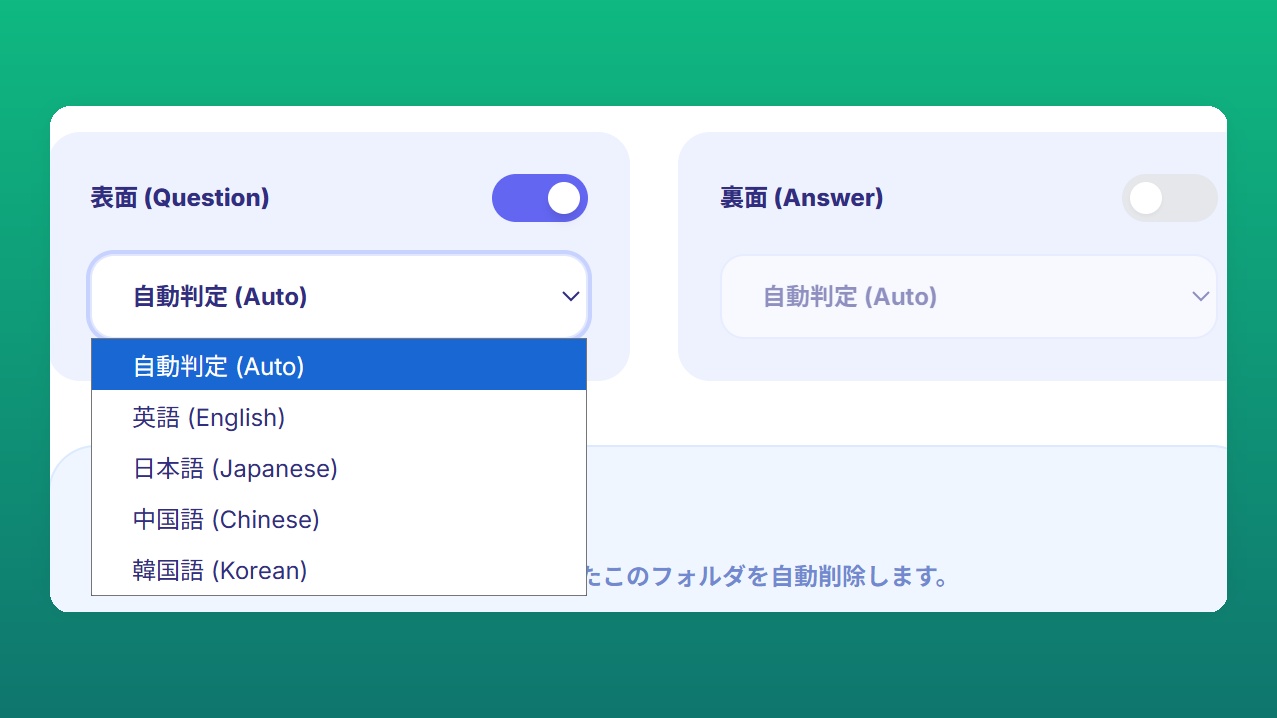
Audio quality is paramount for effective language and exam memorization. PathMemoria integrates with web-standard Text-to-Speech (TTS) engines to deliver clear native accents, liaisons, and natural phrasing.
Clear audio reduces listening fatigue during long commute sessions, helping you master correct pronunciation alongside factual recall.
1.2x to 1.5x Fast-Forward Playback for Peak Focus
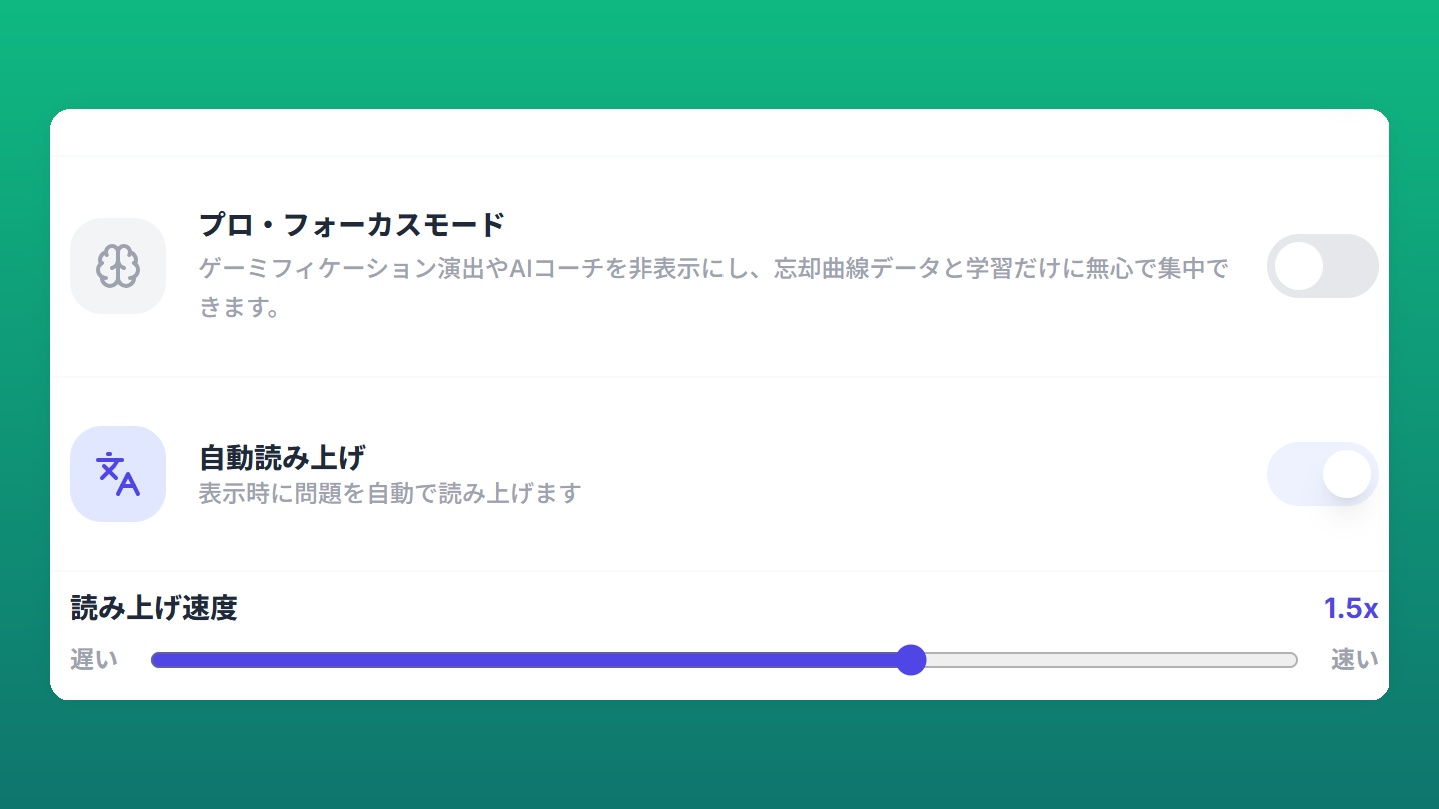
Once comfortable with normal speed, increase playback speed to 1.2x or 1.5x. Slightly faster audio challenges the brain's language processing centers, sharpening focus and preventing mind-wandering.
Reviewing 50 cards at 1.5x speed takes just 6 minutes instead of 10, allowing you to complete twice as many review cycles during the same commute.
📝 [Check Quiz 1]Let's review key takeaways.
[Question] What setting is essential during background audio study to prevent passive listening and force active memory retrieval?
💡 View Answer & Explanation
[Answer] Setting an audio pause interval (e.g. 2.5s–4.0s) between question and answer to recall the fact mentally before hearing it.
[Explanation] Pausing allows your brain to attempt active retrieval, which strengthens long-term neural pathways far more than passive listening.
2. Cognitive Science & Audio Prompts: Boost Retention by 200%
Combining Voice Autoplay with proven cognitive protocols elevates retention rates above traditional reading methods.
Why Passive Listening Fails: Active Recall During Audio Pauses
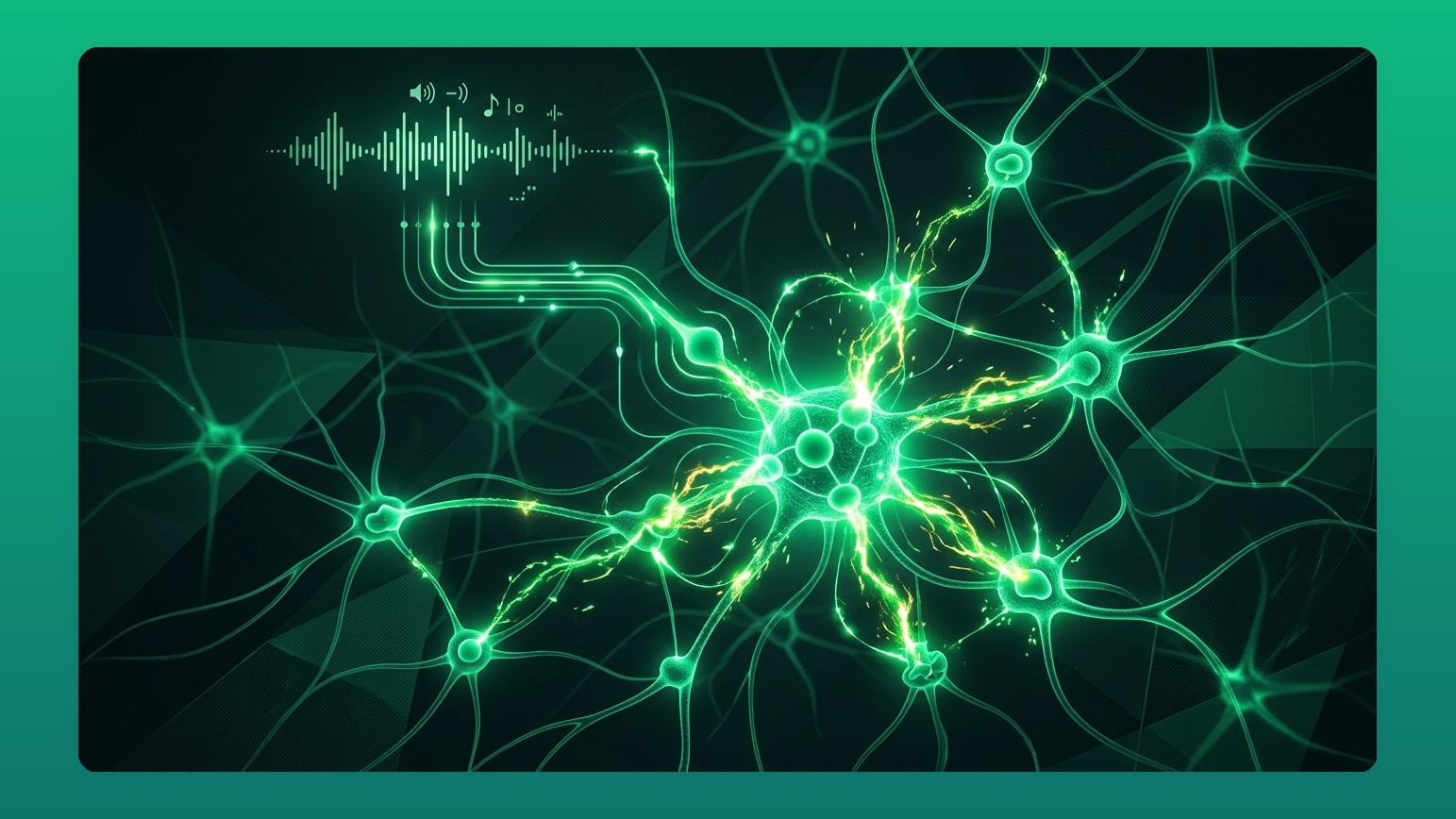
Cognitive studies show that passive listening provides minimal long-term memory gains. The effort of retrieving information during the audio pause interval signals the hippocampus that the memory is critical, cementing it into long-term storage.
FSRS v6 Spaced Repetition Priority Queue for Weak Cards
Listening to an entire deck sequentially is inefficient. PathMemoria's Voice Autoplay integrates with FSRS v6 algorithms to prioritize cards nearing their forgetting threshold (Retention R < 0.90), skipping already-mastered cards and maximizing review density.
Pro Focus Mode for Adult & Professional Commuter Routines
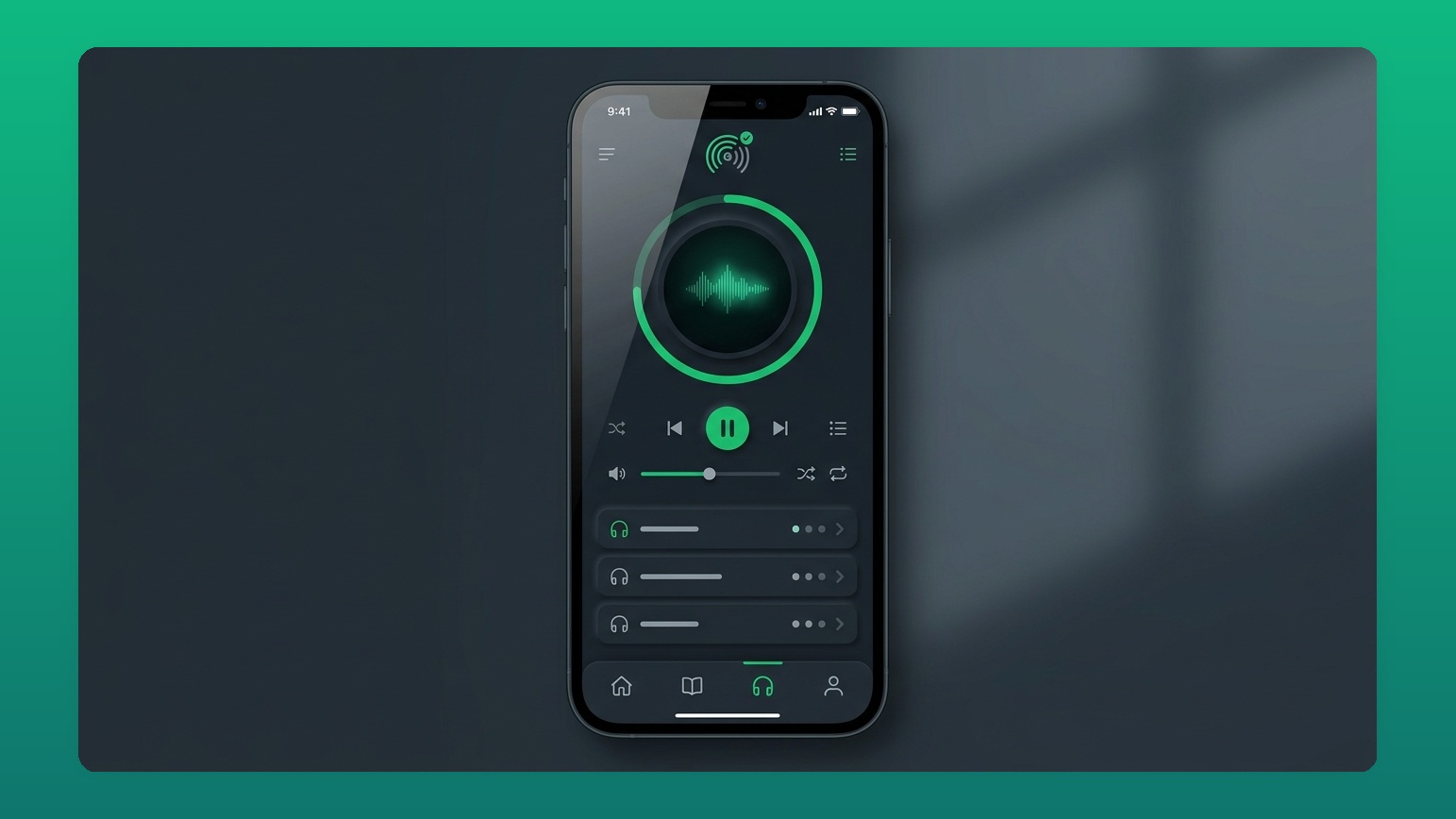
For adults preparing for professional certifications, Pro Focus Mode removes gamified popups and provides a sleek dark slate interface, creating a calm, focused environment during busy commutes or lunch breaks.
Multitask Learning During Walks & Chores to Release BDNF
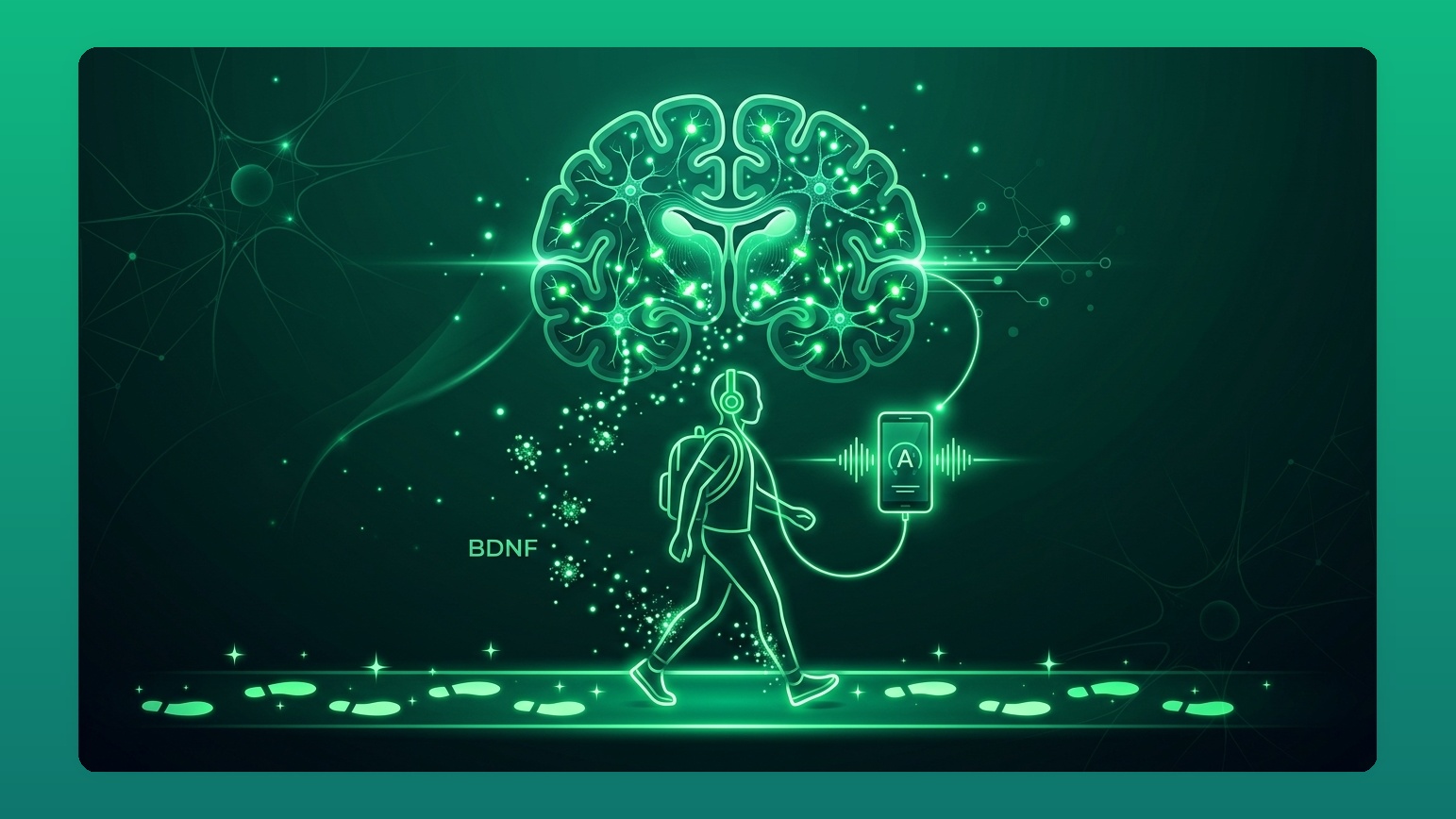
Light aerobic exercise (walking, light chores) triggers the release of Brain-Derived Neurotrophic Factor (BDNF), promoting neural plasticity. Listening to audio cards while walking delivers up to 1.5x higher memory retention than sitting still at a desk.
Summary: Eliminate Gap Time with Pocket-Based Audio Study

By automating audio review during daily gap time, you can easily unlock 180+ hours of study time per year. Open PathMemoria today and turn your daily commute into a powerful memory engine!

![[2026 Guide] The Blurting Method: Skyrocket Memory Retention with Active Recall & AI](https://pathmemoria.tsmichi.com/blog/blurting_h3_tiktok_viral.jpg)